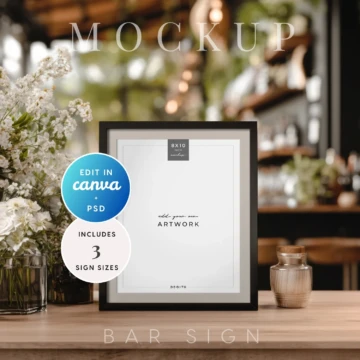
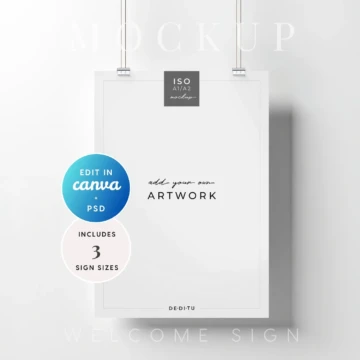
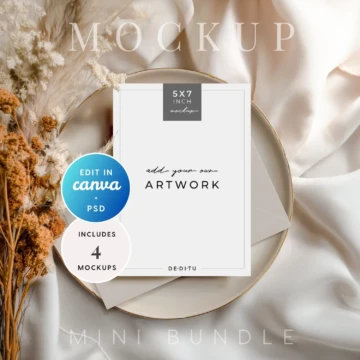
Orchid Noir Small Sign Mockup
Works With:Canva, Photoshop, Photopea, Affinity (via JPG/PNG)
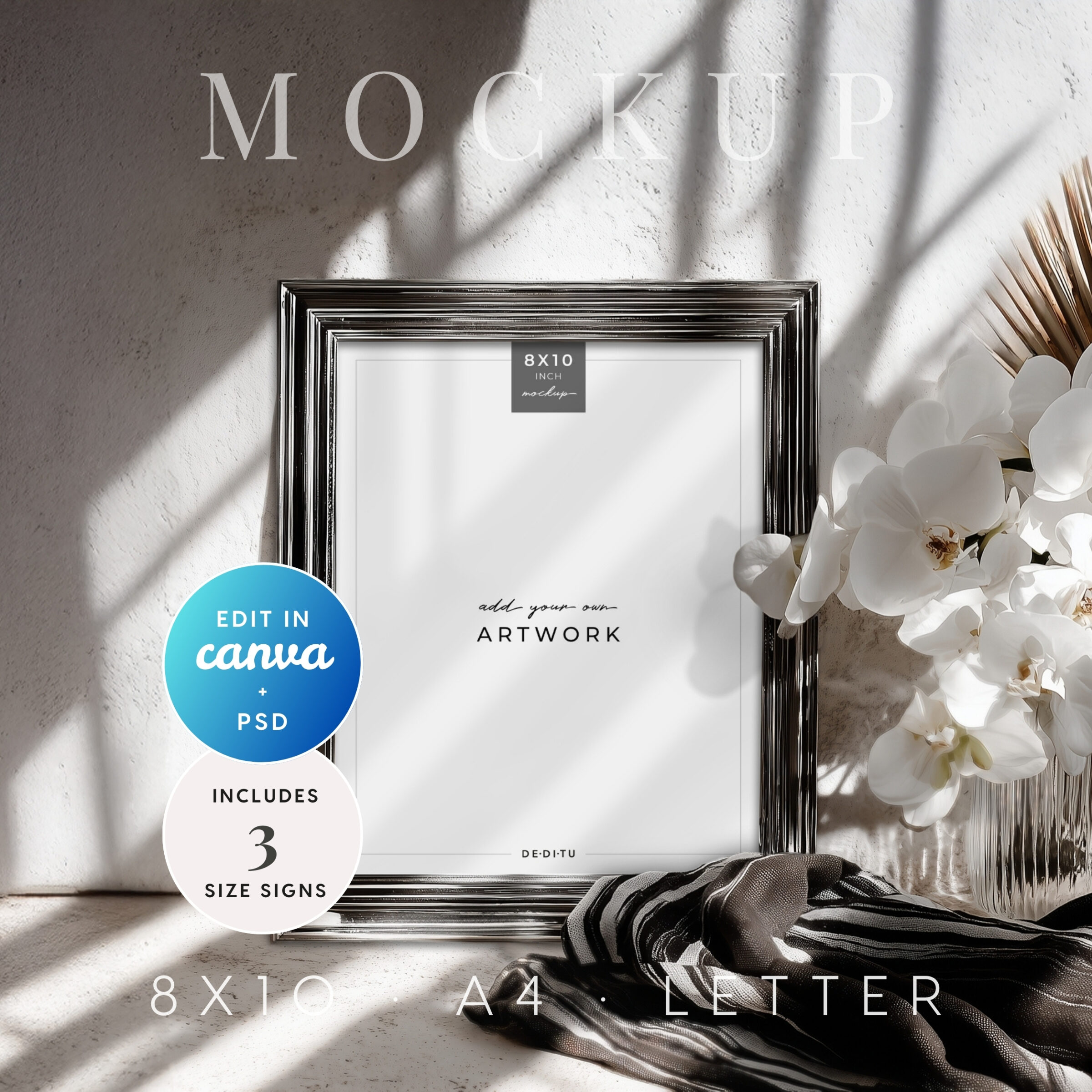
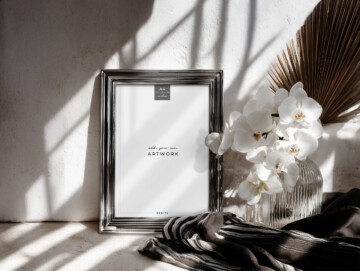
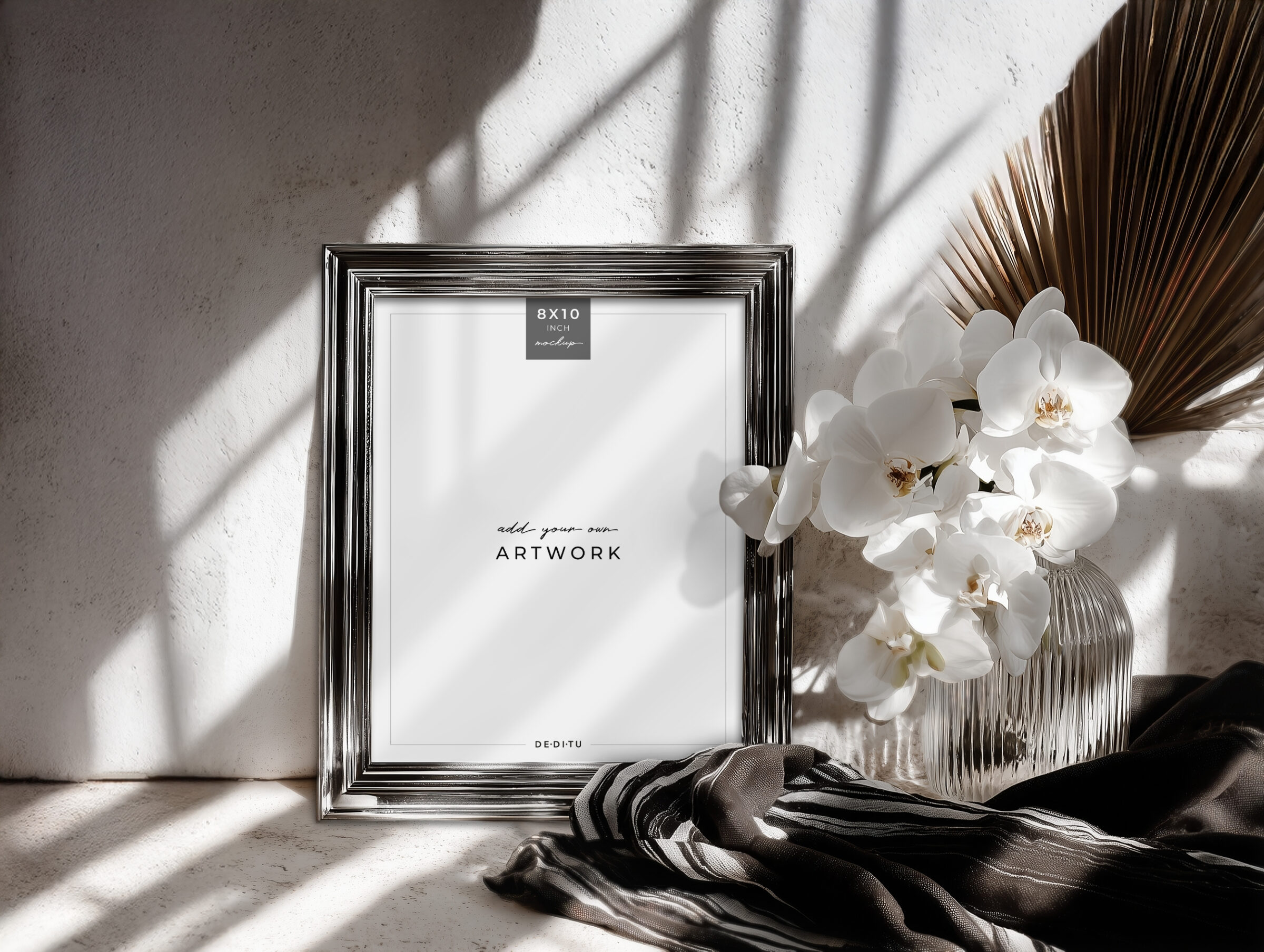
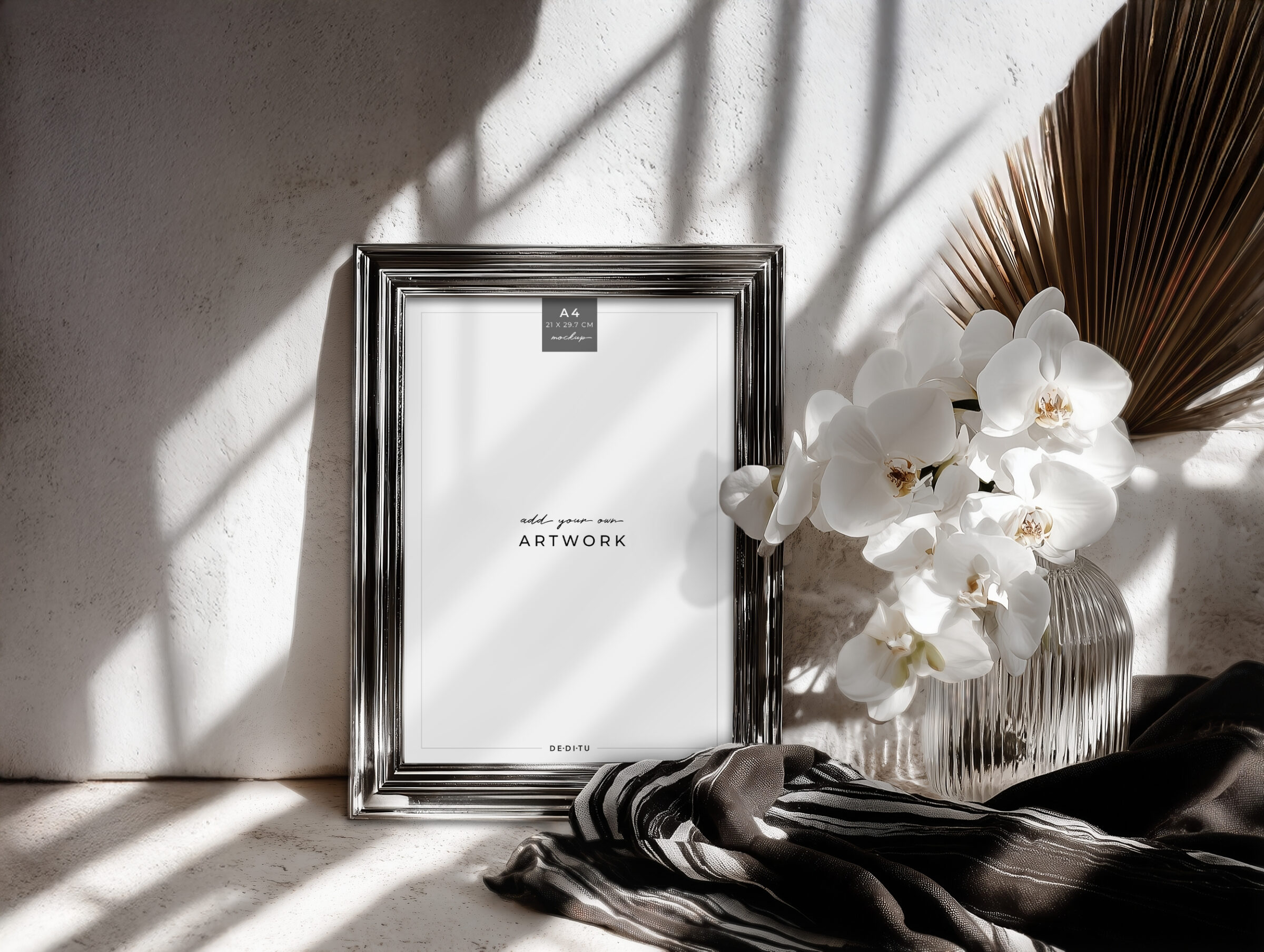
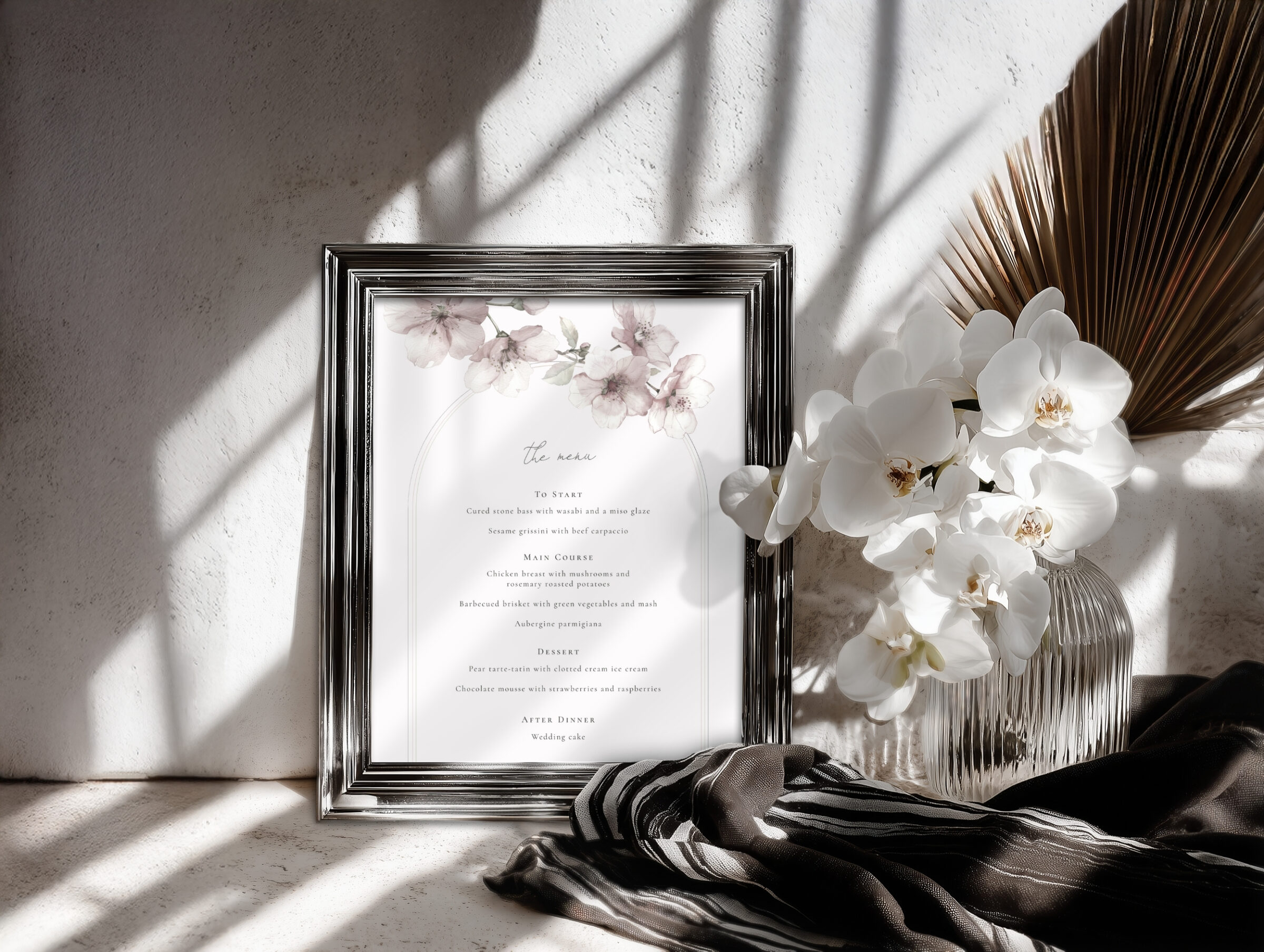
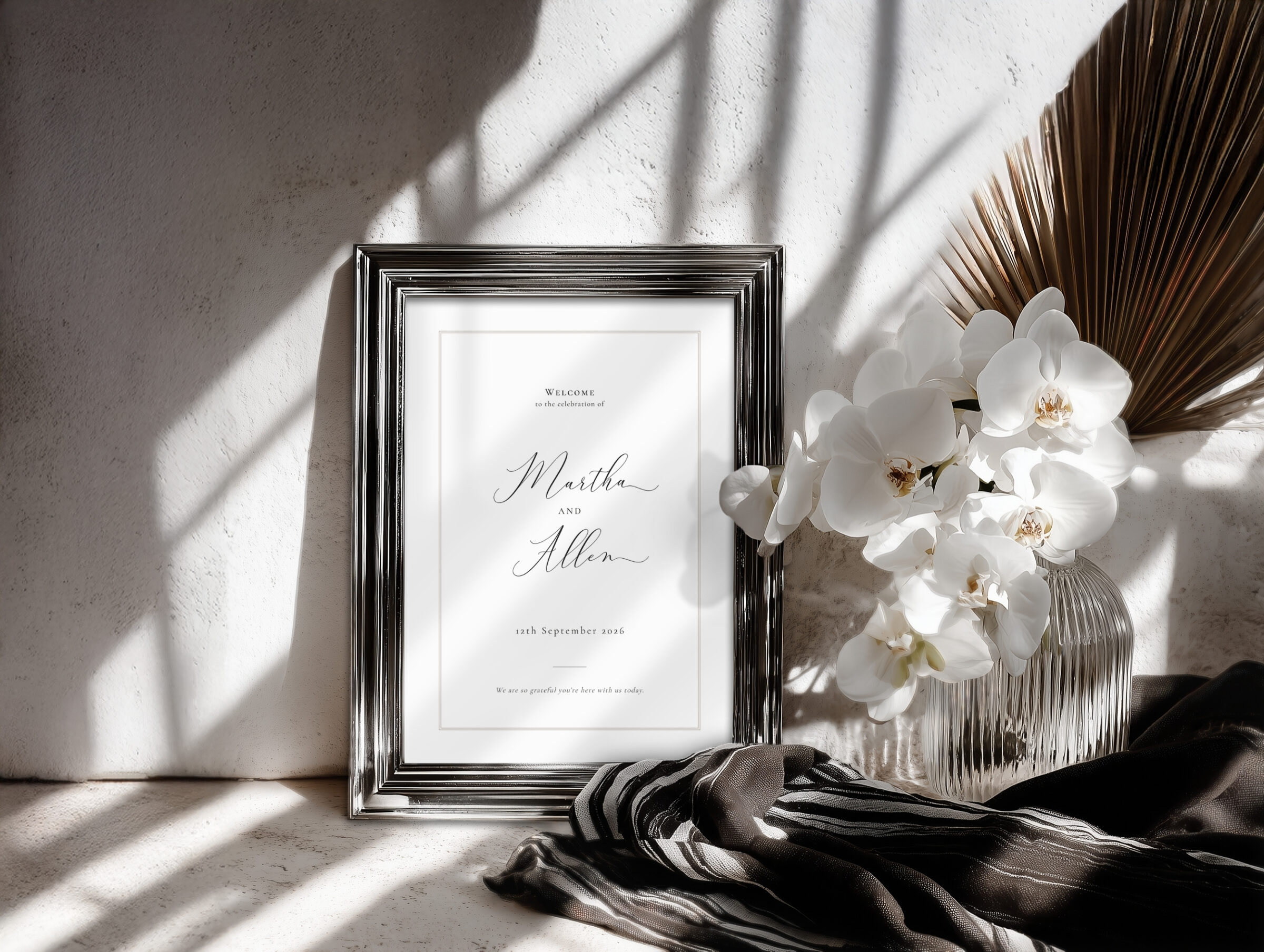
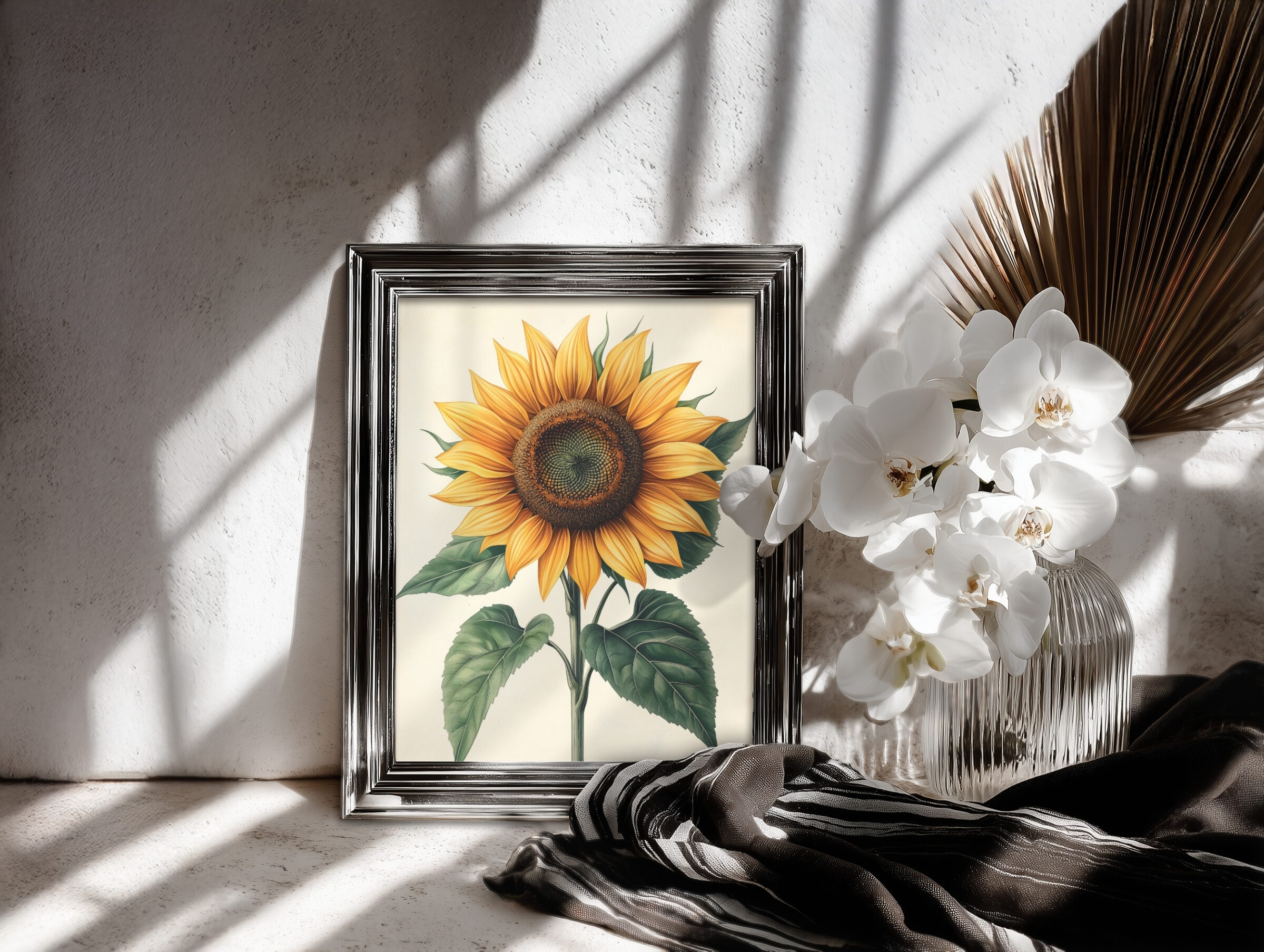
An elevated, editorial mockup for showcasing your 8×10, A4, and Letter-sized designs with dramatic light and sculptural orchids.
£3.60
What’s Included:
- Canva template for easy and quick results
- Clean PSD file with smart object
- JPG + PNG overlay files to use in other editors
- Help guide with quick tips for best results
- Commercial license for unlimited use (no resale of the mockup files)
- Files are downloadable immediately after purchase via Canva and DropBox links.

Orchid Noir Small Sign Mockup
| Collection | |
|---|---|
| Fits Design Size | ISO A4, 8×10 inch, US Letter |
| Canva Mockup Size | 2500 x 1883 px (landscape) |
| PSD Mockup Size | 4500 x 3389 px (landscape) |
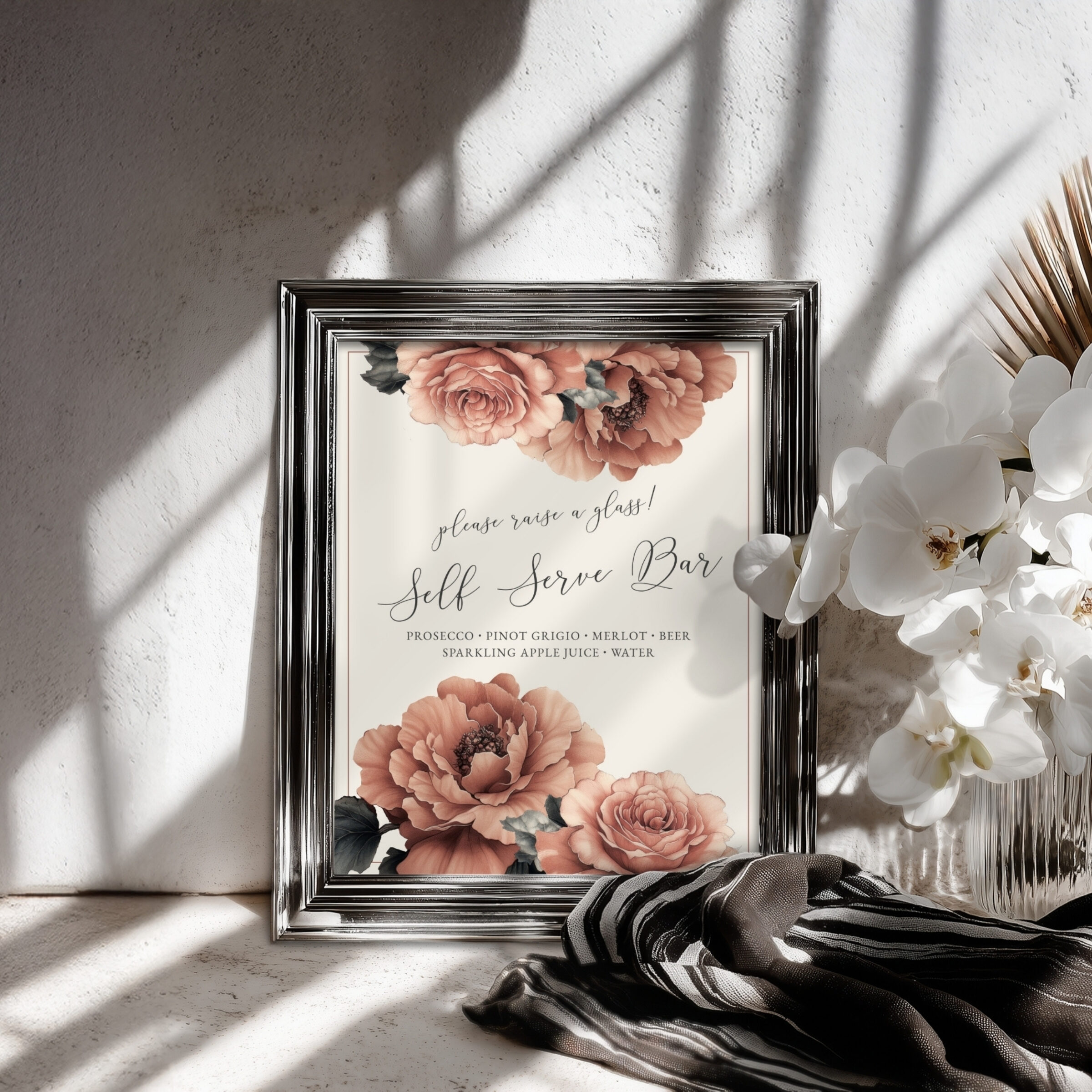
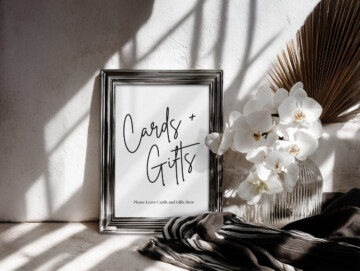
Bring your signage designs to life with this Orchid Noir mockup — a striking scene of white orchids, crisp shadow play, and a modern silver frame that adds sophisticated depth to any artwork. Designed for designers who want clean realism with a bold, high-contrast aesthetic, this mockup is ideal for wedding signs, menus, cards & gifts displays, and portrait artwork across multiple proportions.
Available in 8×10, A4, and US Letter, it’s the perfect versatile set for both international and US-based clients.
Canva-First & Photoshop Friendly
Upload your design directly into Canva for a fast, seamless presentation — or use the included PSD with Smart Objects for a more refined edit. JPGs and PNG overlays are also provided for use in any software.
Three True-to-Size Proportions
Includes 8×10, A4, and US Letter versions so your artwork sits naturally with accurate scale and clean edges.
Editorial Orchid-Noir Styling
Dramatic light, layered shadows, and sculptural white orchids create a high-end, modern atmosphere that highlights your artwork beautifully.
Perfect for Portfolio & Social Use
Ideal for Instagram, Pinterest, Behance, Etsy listing images, or client previews — no heavy editing needed.
Perfect For
Wedding & event designers • Stationery shops • Printable signs • Etsy sellers • Branding presentations • Portfolio galleries
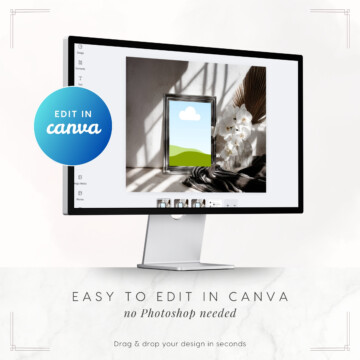
Canva-First Design for Effortless Editing
This mockup is crafted with a Canva-first workflow, giving you an intuitive, drag-and-drop template you can use straight away inside the tool you already know. Simply place your design, move the foreground layer above, and your mockup is ready for social media, website graphics, or client previews in seconds — no advanced skills required.
How to use your Canva mockup template:
Open the Canva link (included in your download)
Upload your design file to use in the mockup
Drop in to the placeholder, then position the overlay layer above
Export as a JPG or PNG to share!
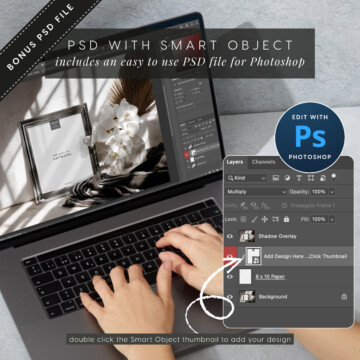
How to use the PSD file in Photoshop/Photopea:
Open the PSD file (via DropBox link)
Double-click the Smart Object layer thumbnail
Paste in your artwork and save
Bonus Photoshop Files + Cross-Editor Flexibility
Your download also includes streamlined Photoshop PSD files, complete with neatly organised layers and smart-object functionality for fast, realistic results in both Photoshop and Photopea.
For maximum versatility, you’ll also receive a high-resolution JPG background and a matching PNG overlay, allowing you to create mockups in any editing software — from Affinity to Procreate and beyond.
| Collection | |
|---|---|
| Fits Design Size | ISO A4, 8×10 inch, US Letter |
| Canva Mockup Size | 2500 x 1883 px (landscape) |
| PSD Mockup Size | 4500 x 3389 px (landscape) |
Notes
- Design artwork not included
- Colours may vary slightly depending on your monitor
- For personal or commercial use within your design presentations
License Terms:
✅ Use our mockups to showcase your own designs in your shop, portfolio, social media, or client presentations.
✅ Unlimited use for personal + commercial display of your artwork (no credit required).
❌ Not allowed: Reselling, redistributing, or sharing the mockup files (Canva, PSD, PNG, or JPG).
❌ Not allowed: Claiming the mockups as your own or selling them as templates/mockups to others.
✔ Simple rule: You can use them to present your designs beautifully — just not to sell the mockups themselves.